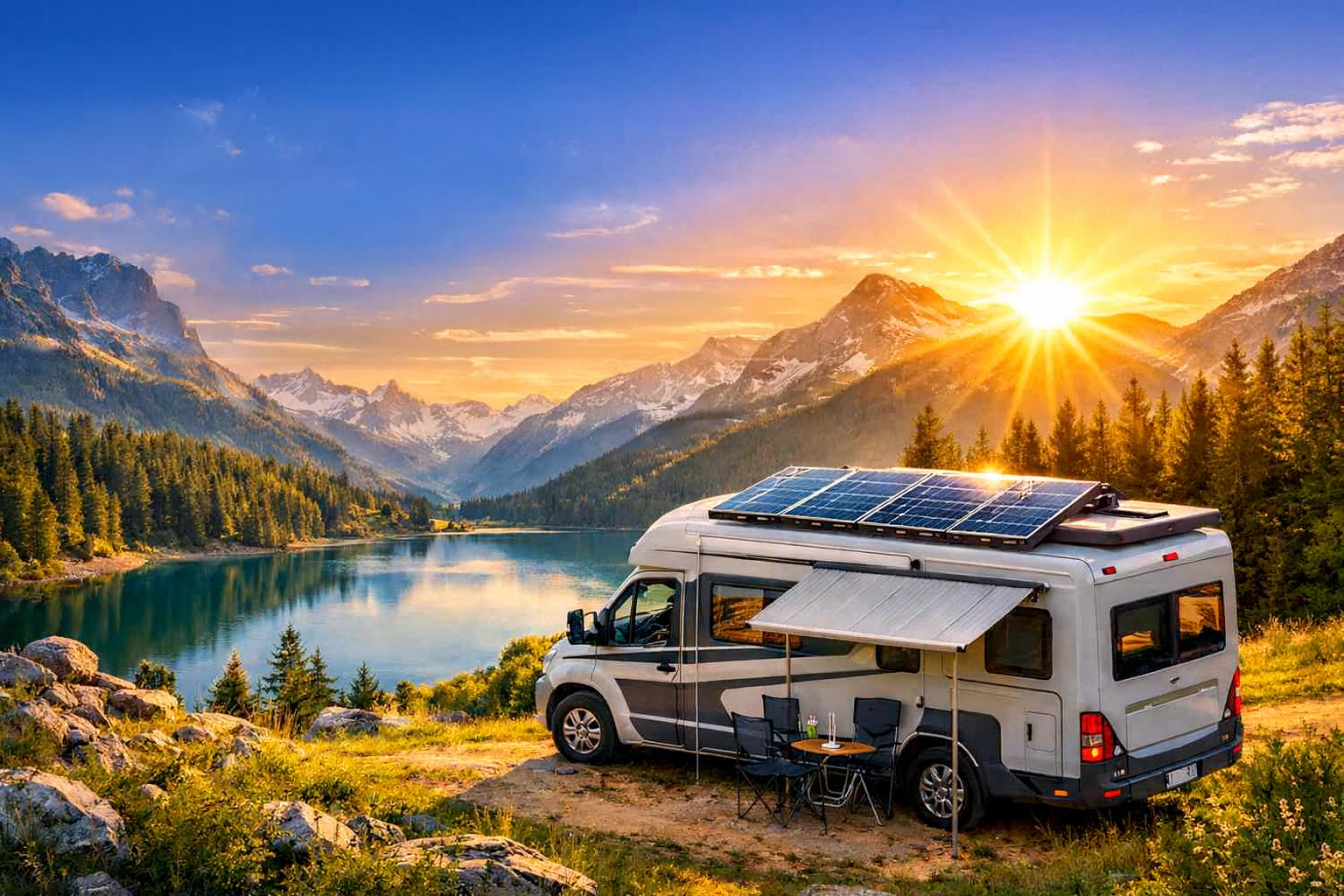
CampingSolar
Dell WD19S Docking Station Review: Turn Your Camper Into a Silicon Valley Suite

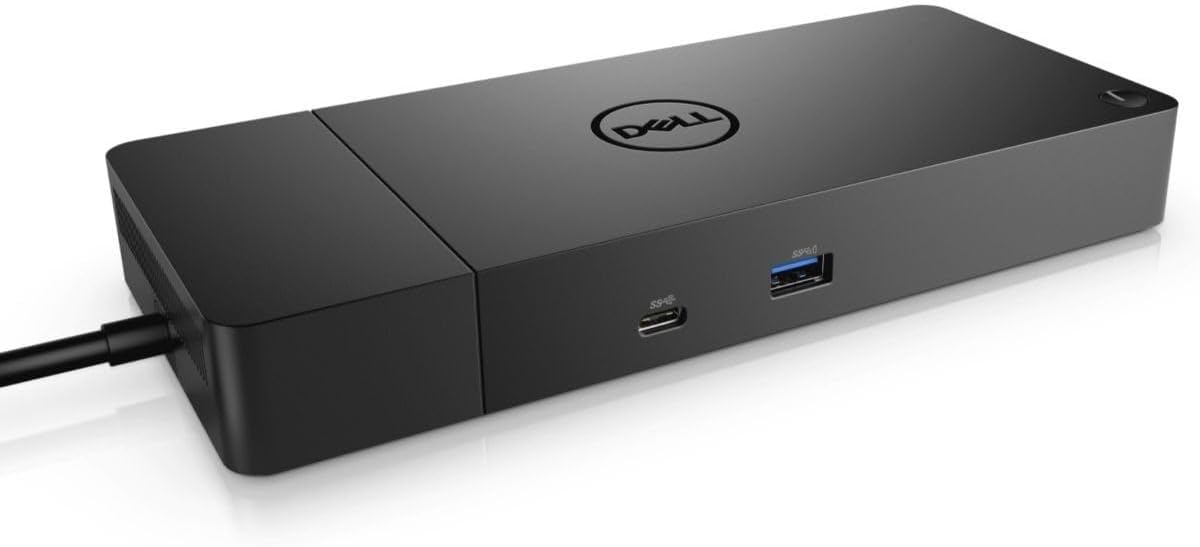


Because working from the woods shouldn’t mean wrestling with 500 cables.
The Digital Nomad’s Dilemma: Pine Trees vs. Productivity
Let’s be real. We all love the dream of “working from anywhere.” You’ve got your camper parked by a crystal-clear lake, your portable solar battery is soaking up the rays, and you’re ready to crush some emails. But then reality hits: you need to plug in your mouse, your external monitor, your backup drive, and—oh wait—your laptop is at 5% battery.
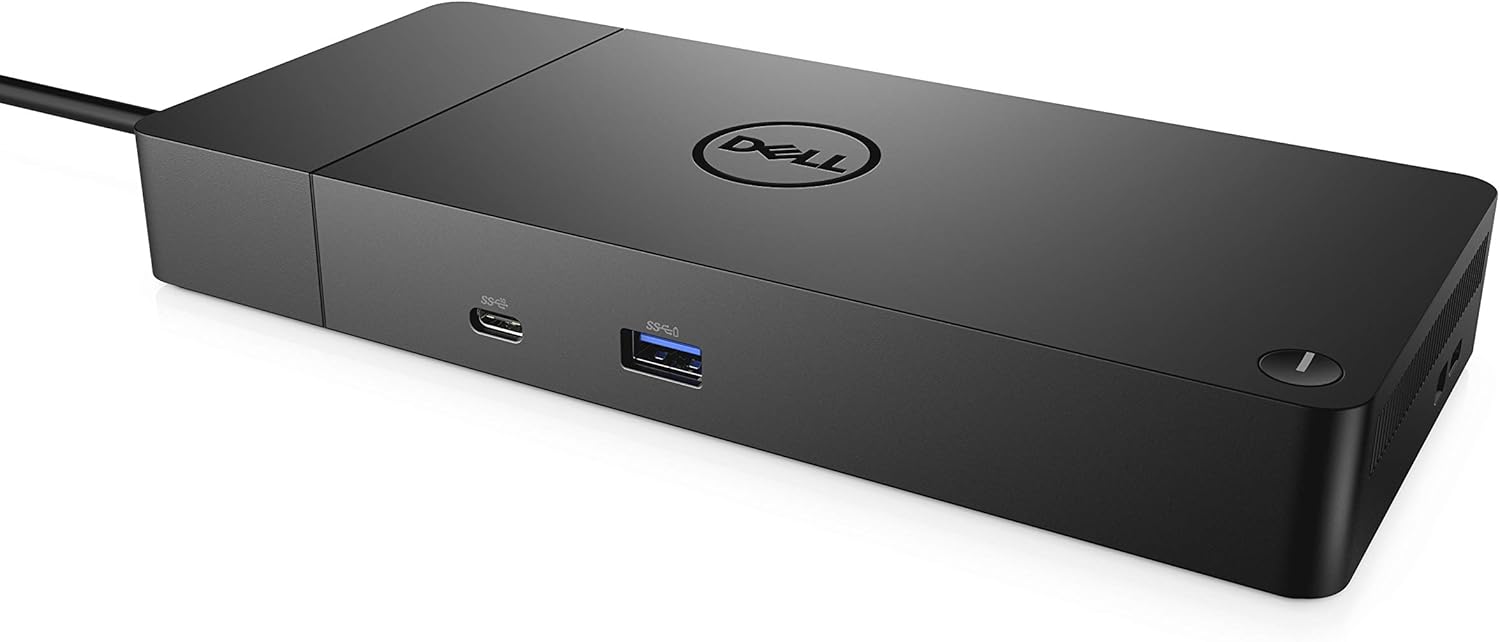
Suddenly, your “office” looks like a bowl of techno-spaghetti. This is where the Dell WD19S 180W Docking Station comes in. While most people think of this as a “boring office tool,” for the savvy digital nomad, it’s the secret weapon for a clean, efficient mobile setup. It’s the bridge between your rugged outdoor life and your high-performance professional life.
If you’re already running a high-capacity solar power station, the WD19S is the perfect “brain” to distribute that power and data with a single cable. No more plugging and unplugging every time you want to go for a hike.
Why the Dell WD19S is a Camper’s Best Friend
You might be wondering, “Why a Dell dock for my van?” Well, after putting this through its paces in a mobile setup, here are the non-canonical reasons it wins:
- The “One Cable” Magic: It delivers up to 130W of Power Delivery (PD) to Dell laptops (90W to others). You plug in one USB-C cable, and your laptop charges while connecting to everything else. Less wear and tear on your laptop ports is a big deal when the nearest repair shop is 200 miles away.
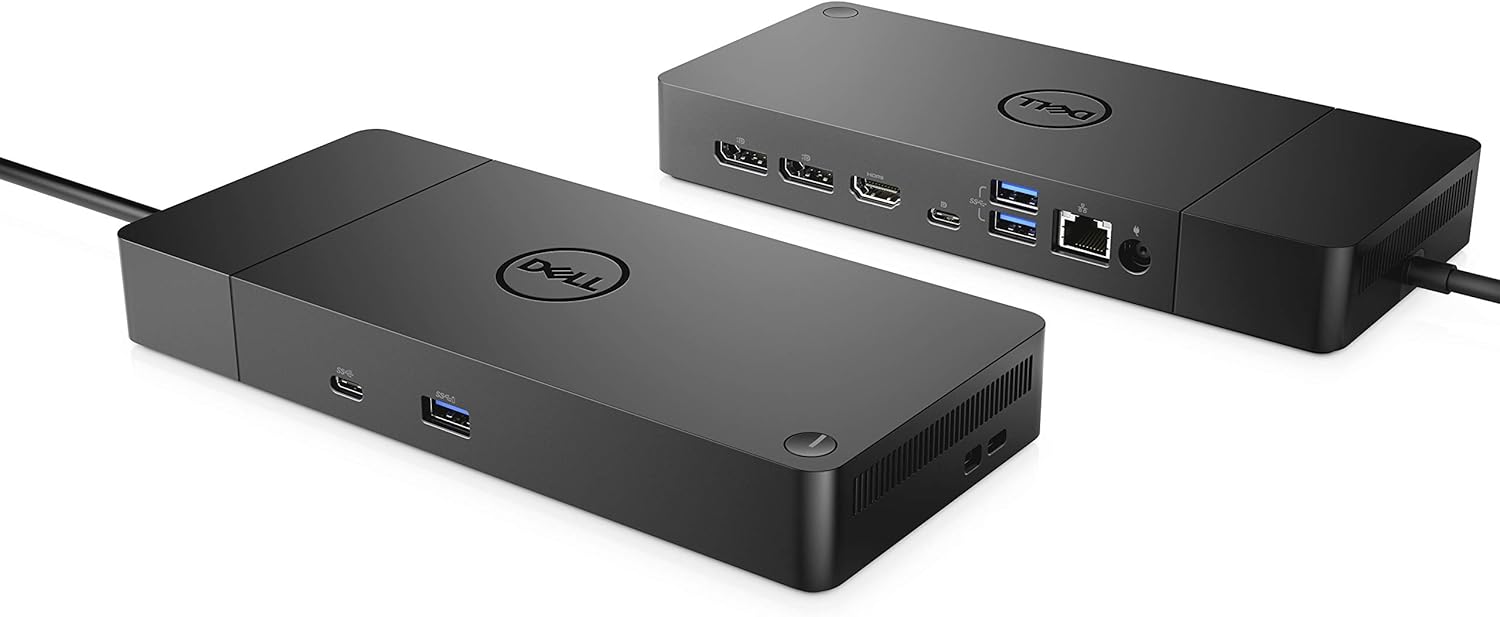
- Port Overload (In a Good Way): HDMI, dual DisplayPorts, and multiple USB-A and USB-C ports. You can run dual monitors even in the middle of a forest.
- Future-Proof Design: The module is swappable. If you upgrade to Thunderbolt 4 in 2027, you can just swap the module instead of buying a whole new dock. Sustainable gear for a sustainable lifestyle!
- Stable Power: It helps regulate the draw from your portable solar generator, ensuring your laptop doesn’t see nasty power spikes.
Specifications Table: The Nerd Bits
| Power Input | 180W AC Adapter |
| Power Delivery | 130W (Dell) / 90W (Standard USB-C) |
| Video Ports | 1x HDMI 2.0, 2x DisplayPort 1.4 |
| USB Ports | 3x USB-A 3.1, 2x USB-C 3.1 Gen 2 |
| Ethernet | Gigabit RJ45 (For when that Starlink is wired!) |
Dell WD19S vs. Cheap USB-C Hubs
A $20 hub from a gas station might work for a day, but for a serious mobile office setup, you need the reliability of a workstation dock. Here is how it compares to the lighter gear you might find at Go Outdoor stores.
| Feature | Dell WD19S | Standard Travel Hub |
|---|---|---|
| Power Delivery | 130W (Stable) | 15W – 60W (Unstable) |
| Reliability | Commercial Grade | Consumer Grade |
| Multi-Monitor | Dual 4K Support | Single Monitor (usually) |
Best Operating Conditions: Mobile Office Edition
Using office gear in a camper requires a bit of “bushcraft” logic. To keep the WD19S humming:
- Keep it Cool: Docking stations can get warm when pushing 4K video. Mount it somewhere with airflow—don’t bury it in your “junk drawer.”
- Sine Wave Power: Ensure your solar inverter provides Pure Sine Wave power. Professional electronics like the Dell WD19S are picky eaters when it comes to electricity.
- Secure Mounting: Use heavy-duty Velcro to stick it to your desk surface so it doesn’t become a projectile when you hit a pothole on a dirt road.
Maintenance: Keeping the Dust at Bay
Since you’re likely working in environments with more dust than a cubicle, follow these rules:
- Port Covers: If you aren’t using a port, consider silicone dust plugs. Sand inside a DisplayPort is a nightmare you don’t want.
- Compressed Air: Give the internal fan a quick blast of air once a month. Nature is beautiful, but pollen is sticky.
- Cable Tension: Make sure the main USB-C cable isn’t being pulled tight. Use a cable clip to provide “strain relief” so the internal board stays healthy.
Top 3 Accessories for Your WD19S Setup
- Vertical Laptop Stand: Save precious desk space in your camper by keeping your laptop closed and upright while docked.
- High-Speed HDMI 2.1 Cables: Don’t bottleneck your great dock with cheap cables.
- Portable Ergo Chair: Check out the selection at Go Outdoor to ensure your back doesn’t hate you after an 8-hour shift in the woods.
Frequently Asked Questions (FAQ)
Q: Will this work with a MacBook?
A: Yes, but with a catch. macOS doesn’t support MST (Multi-Stream Transport), so dual external monitors will be mirrored. For a single external screen and charging, it works great!
Q: Does it need to be plugged into a wall?
A: It needs power from its 180W brick, which you’ll plug into your camper’s AC outlet or your portable power station.
Q: Is it “Rugged”?
A: No, it’s a precision electronic. Treat it like your laptop—keep it dry and vibration-free.